How do I share an assignment?
Last updated: May 13, 2026
You can share your assignment with teachers or students.
Share with students
ℹ Once you add your students to Class Companion, they will automatically receive an email about the assignment when you Publish
Go to your class then click Assignments in the nav at the top of the page
Click Actions on the right side of the assignment row you'd like to share
Click Get share link
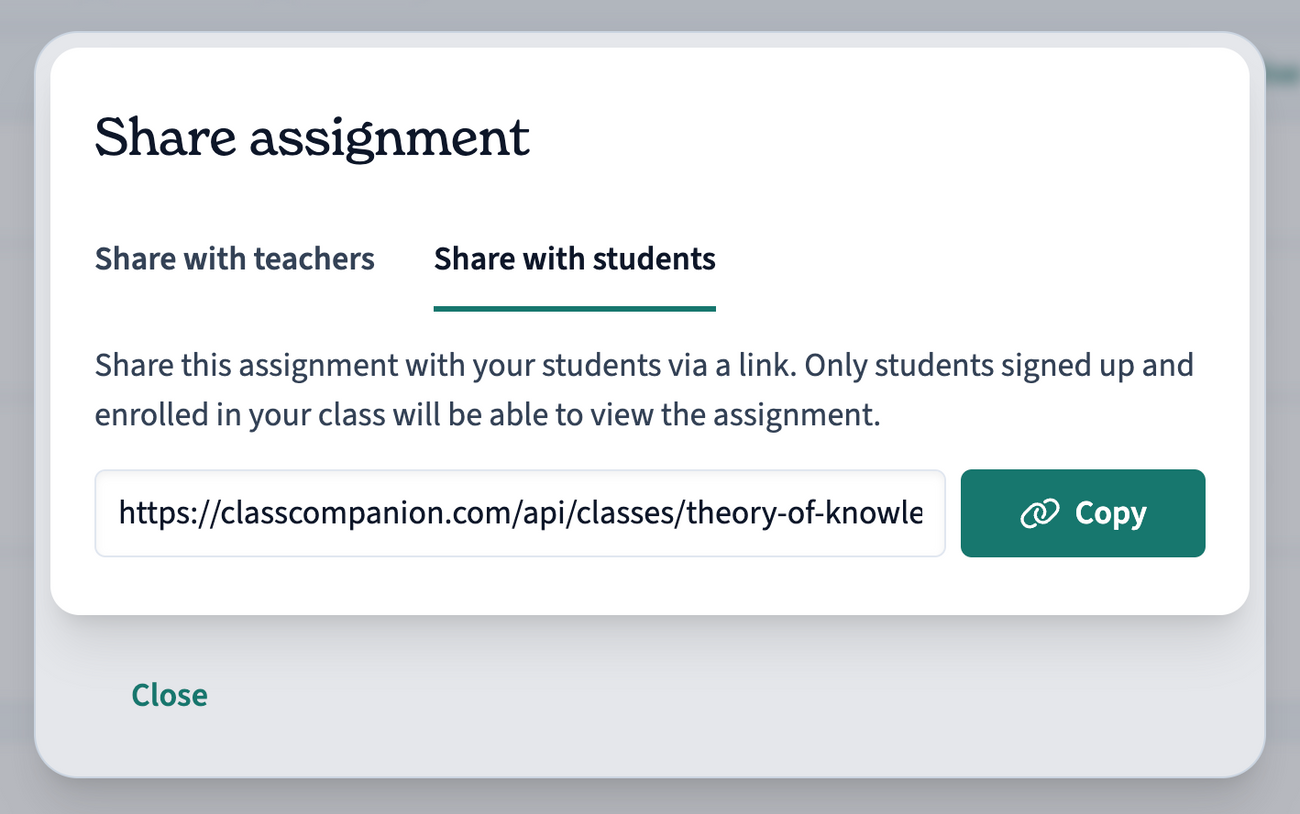
Click Share with students
Click Copy to copy the link to your clipboard
Share with teachers
Go to My Assignments
Click Actions on the right side of the rubric row you'd like to share
Click Get teacher share link
Click Copy to copy the link to your clipboard
If you'd like other teachers to be able to use your rubric, you can select Add to public library from the Actions menu.